
Commission Tracking Is Now Built In
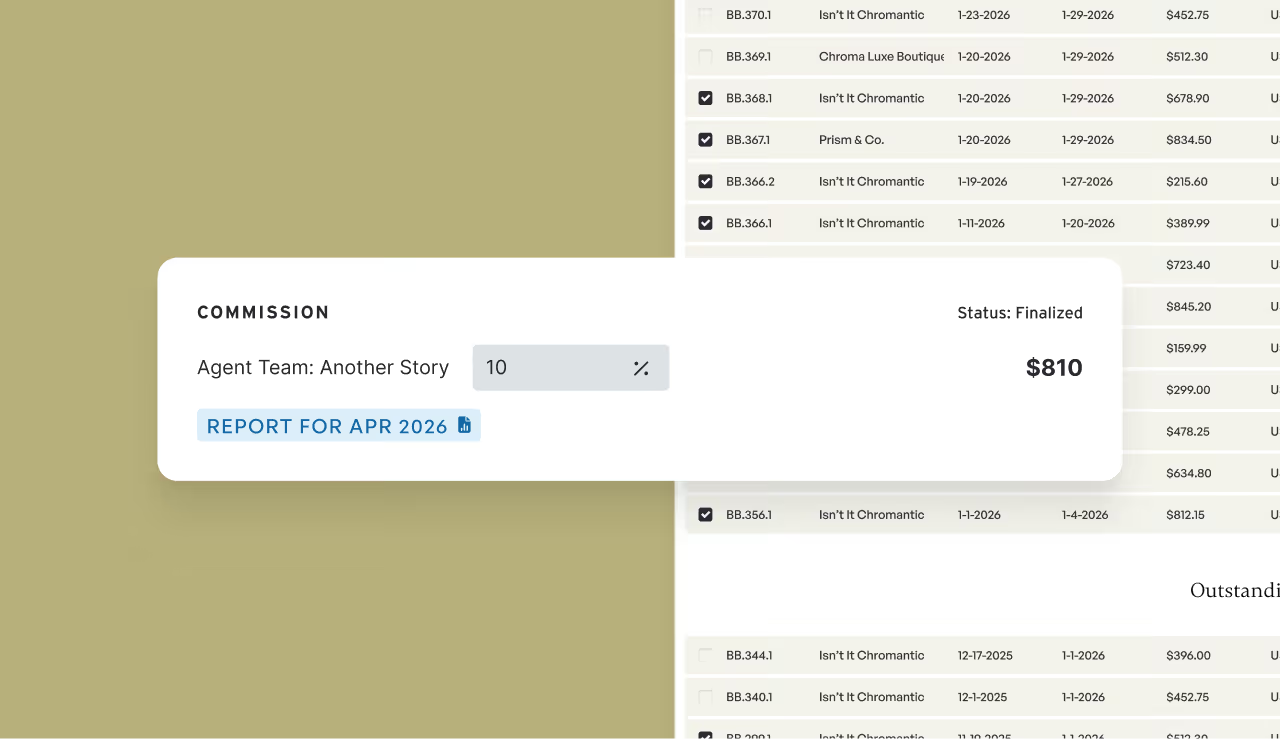
Managing rep commissions used to mean living in spreadsheets. Not anymore.
Brandboom now includes a built-in Commission Reports system that calculates your team's earnings automatically as you generate invoices — no exports, no manual math, no scrambling at the end of every month.
One platform, one source of truth
Commission tracking is now woven directly into your sales workflow. The moment you create an invoice, the system applies your saved commission rates and begins tracking and projecting the payout. Every rep, every showroom, every order — organized by month and showroom, all in one place.
Full visibility, fully auditable
Everything stays transparent and traceable throughout the month:
- Project payouts from day one. As soon as an invoice is created, Brandboom applies your saved commission rate so projected earnings are visible immediately — no surprises at month-end.
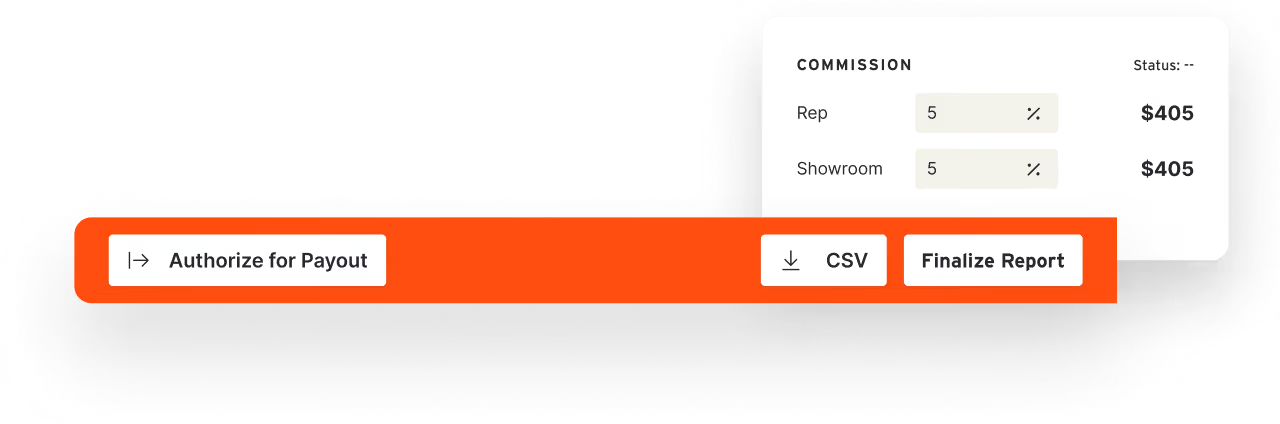
- Everything stays editable until you finalize. Orders, invoices, and allocations can all be adjusted freely while a report is open. Rates and totals lock only when you close out the monthly report.
- Not ready to close out an invoice? No problem. Invoices that aren't ready can be easily moved to a different month — nothing gets lost, nothing falls through the cracks.
- Returns show up automatically. When an item is returned, the system applies the original commission rate from that sale and logs it as a negative value in your report — a clear, traceable record of every deduction.
Role-based access keeps sensitive data protected
Not everyone on your team needs to see the full picture. Brand Admins control showroom-level settings and high-level reporting. Agent Admins manage splits within their own teams. Individual reps see a clean, read-only view of their own earnings — nothing more.
Clean reporting, by month and showroom
Each report is scoped to a specific month and showroom, giving you a precise, ready-to-use summary for every payout conversation. No filtering required, no cross-referencing across tools — just open the report for the showroom and month you need, and the numbers are already there.
Getting started
Commission Reports are available on Business plans and above. Head to Showroom Settings, enter your team's commission percentages, and the system takes it from there.